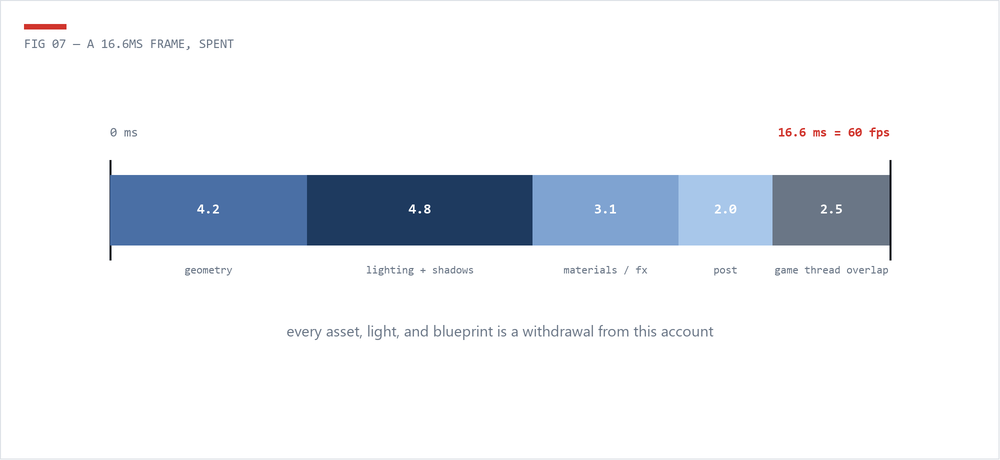
Performance is where Unreal tech art gets real. This is the map: find the bottleneck, learn what each system costs, and build the audit habits that keep scenes shipping at frame rate. 60fps means 16.6ms per frame, so every section below is about where those milliseconds go.
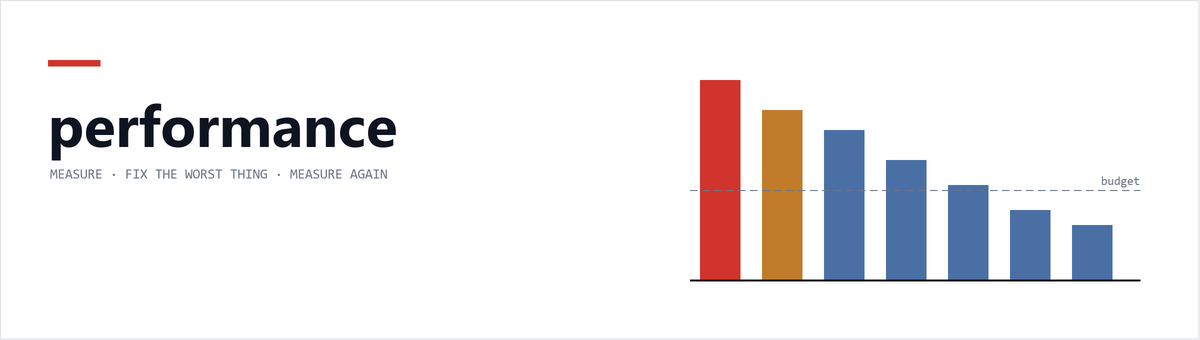
Never change code, settings, or content before confirming which thread and system is the actual bottleneck. Fixing the wrong subsystem wastes time and can make the real problem worse. Measure, change one thing, measure again.
stat unit, stat gpu, Unreal Insights - determining whether you're Game-Thread, Render-Thread, or GPU bound.
read -> 02Draw calls, LOD chains, instancing, HLOD, mobility, and when Nanite saves you.
read -> 03Resolution discipline, compression, mips, and the streaming pool.
read -> 04Shader complexity, samplers, translucency, overdraw, and permutation control.
read -> 05Light mobility, shadowed movable lights, Lumen, and virtual shadow maps.
read -> 06Tick discipline, Blueprint costs, garbage collection, pooling, and significance.
read -> 07The priority-ordered review every TA should run on every level.
read -> The Technical Artist